RampForge
A downloadable tool for Windows
RampForge – Color Ramp Generator for Pixel Art
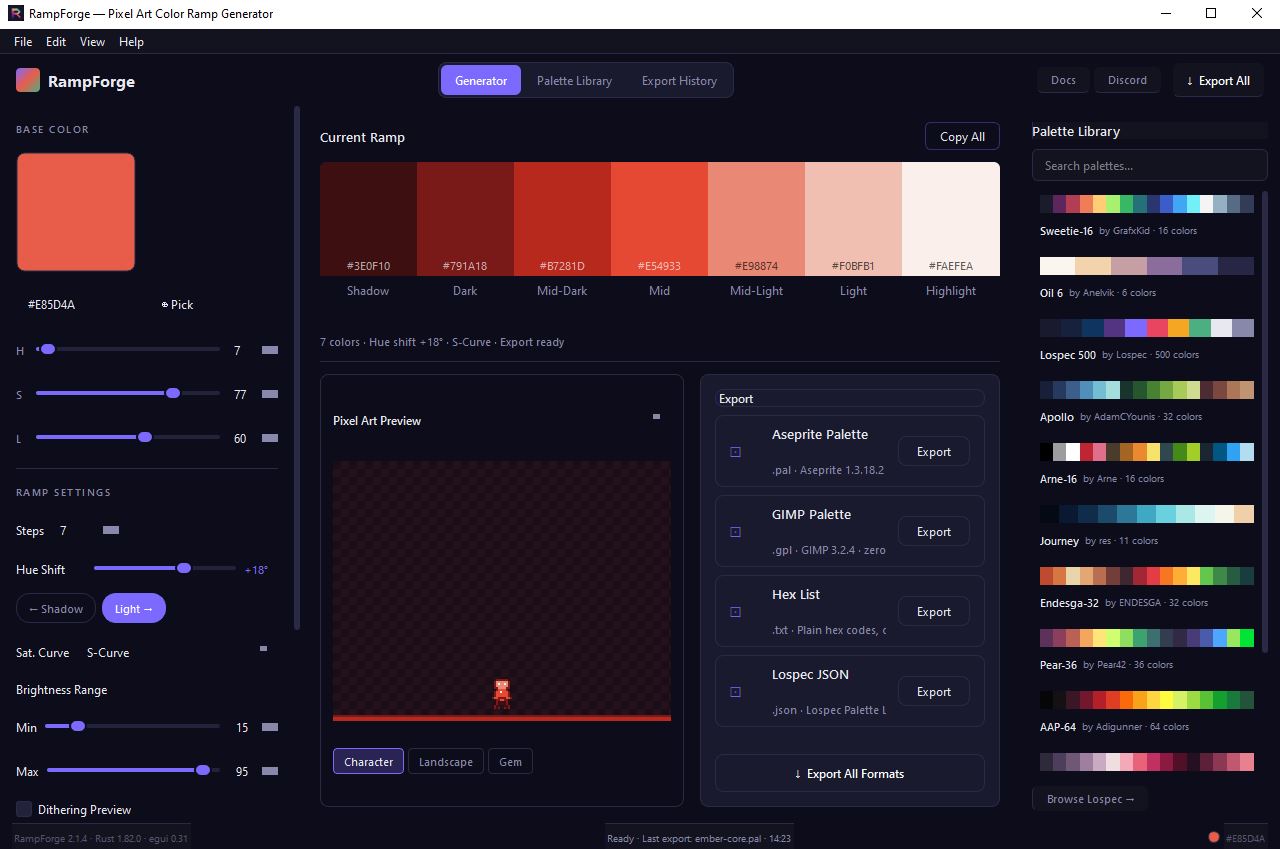
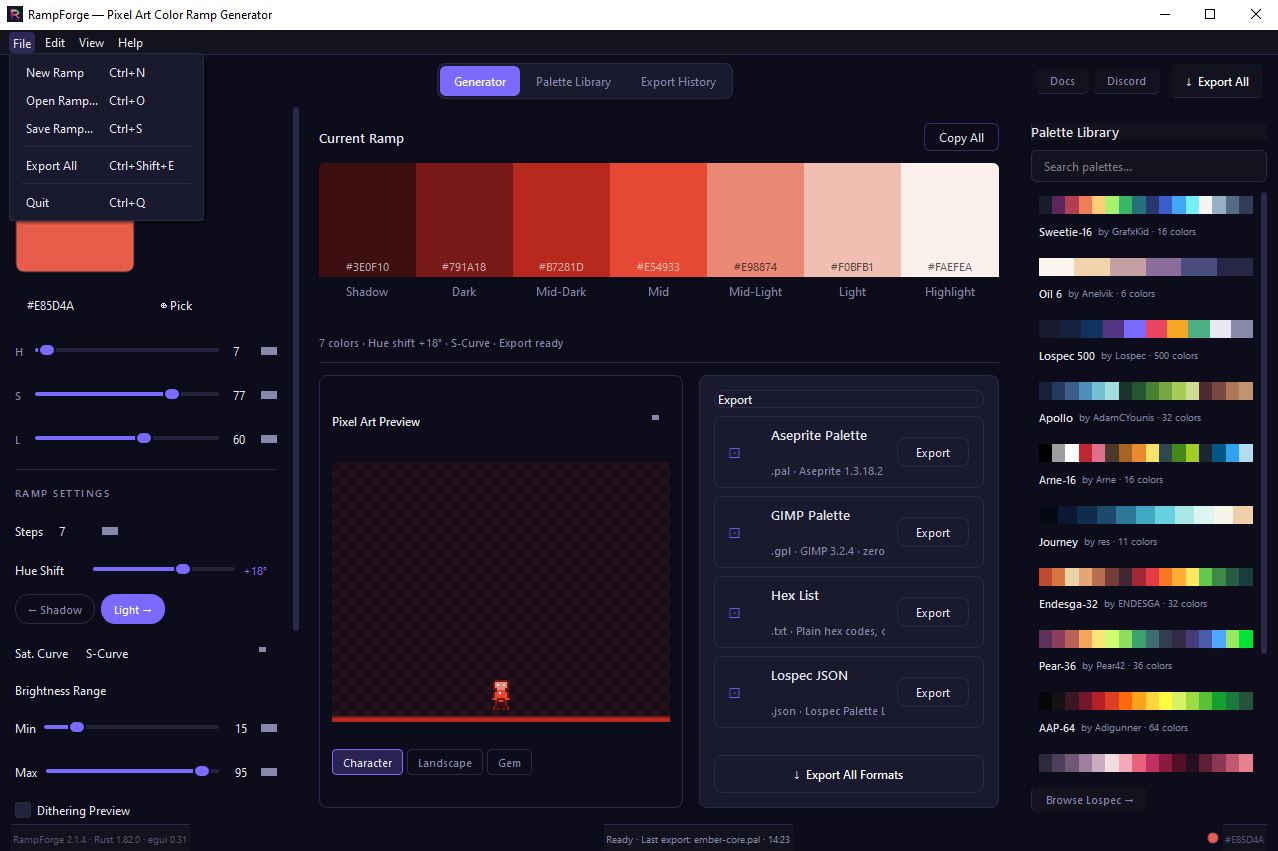
RampForge generates professional hue‑shifted color ramps for pixel art — in seconds, right in your browser.
Pick a base color, dial in the hue shift and saturation curve, and get a complete shadow‑to‑highlight ramp ready to drop into your sprite workflow.
EXPORT FORMATS
- Aseprite palette (.pal) — compatible with Aseprite 1.3.18.2
- GIMP palette (.gpl) — compatible with GIMP 3.2.4
- Lospec JSON — ready for Lospec Palette List submission
- Hex list (.txt) — one color per line, paste anywhere
FEATURES
- Hue shift with direction control (shadow‑side / highlight‑side)
- 4 saturation curves: Linear, S‑Curve, Highlight Boost, Shadow Deepen
- Brightness range control (min/max lightness)
- Live pixel art preview — Character, Landscape, Gem modes
- 7 built‑in presets: Ember Core, Dungeon Stone, Blood Moon and more
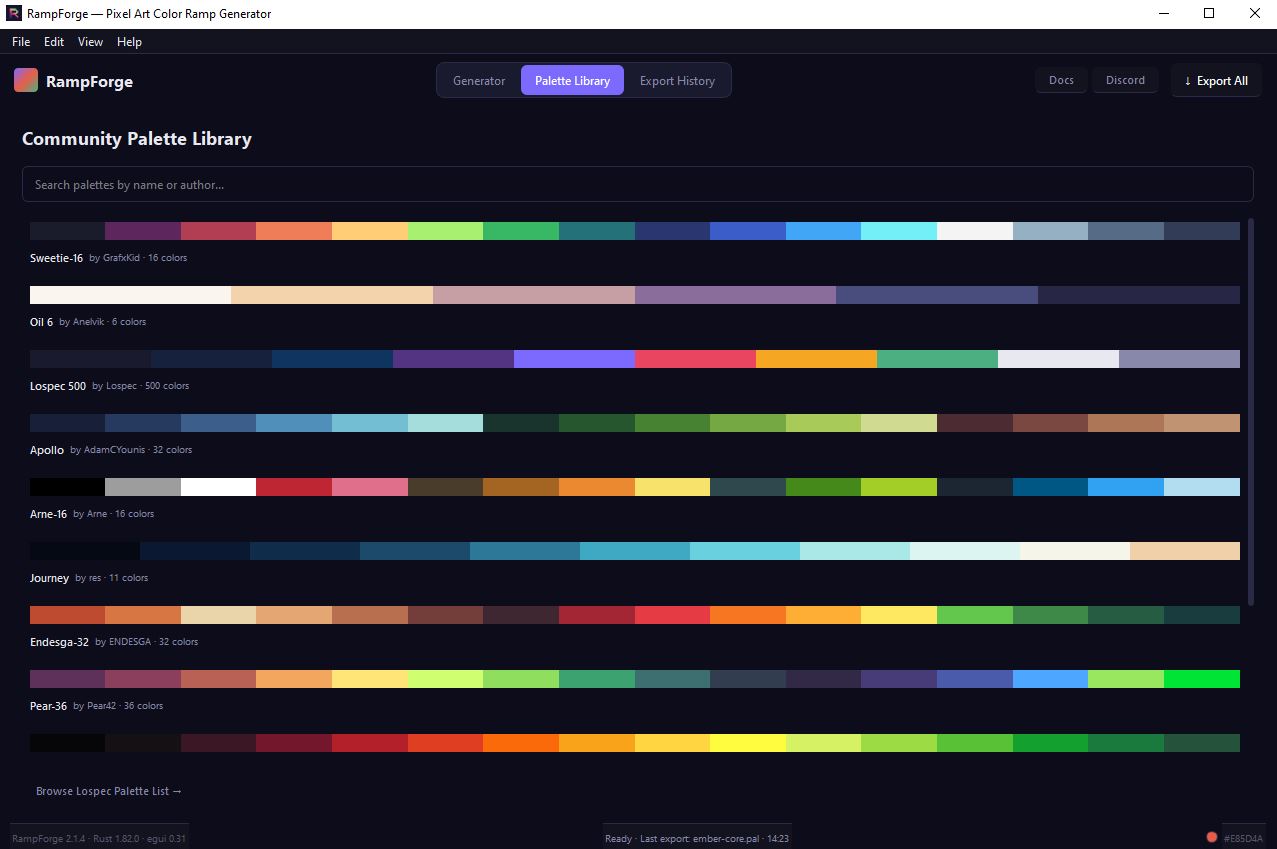
- Community Palette Library — 12 palettes from Lospec (Sweetie‑16, Apollo, Endesga‑32, Oil 6 and more)
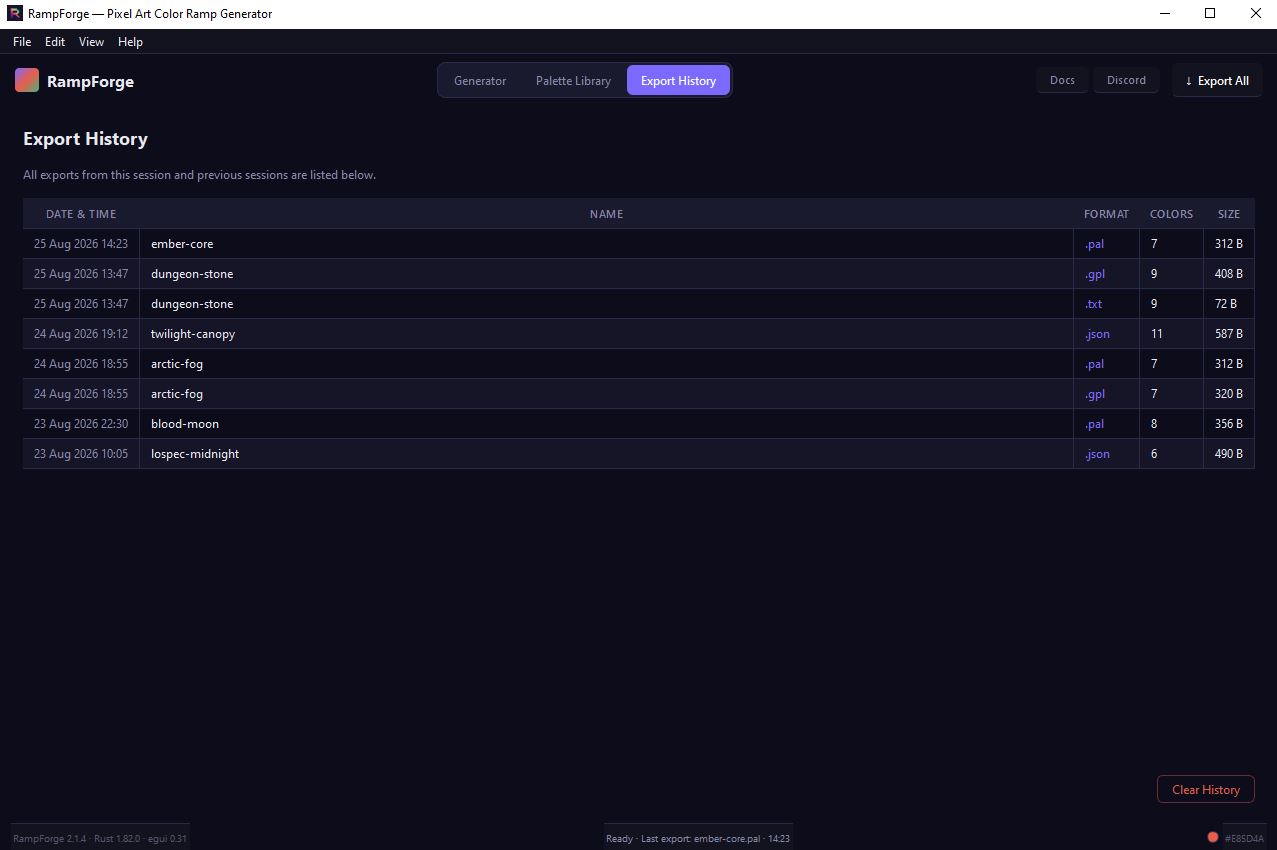
- Export history log
- 100% free — no account, no limits, no telemetry
WHO IS THIS FOR
Pixel artists who hand‑craft shading ramps for characters, tilesets, and UI. Indie devs who need consistent palette discipline across a project. Game jam participants who need a full palette in under two minutes.
COMPATIBILITY
Windows 10 / 11 (32/64bit)
Aseprite 1.3.18.2 · GIMP 3.2.4 · Lospec · Tiled · Godot 4.6
Download
Development log
- How I Built a Free Pixel Art Color Ramp Generator18 hours ago
Leave a comment
Log in with itch.io to leave a comment.